blog / Is Your App Ready for Black Friday 2026? A Holiday Peak Checklist for Mobile Apps


A practical checklist for eCommerce, marketplace, food delivery and subscription apps. Updated November 2026.
Black Friday 2026 falls on November 27, Cyber Monday on November 30. If your app sells anything, the next four weeks will decide a big part of your year.
And this year, the phone is the store. Adobe expects U.S. shoppers to spend a record $275.1 billion online between November 1 and December 31, and 57.4% of that money is expected to come through mobile devices. On Thanksgiving Day, mobile's share is forecast to reach 63%.
So the real question is not "will people shop?" It is: will your app stay fast, stable and easy to pay in when everyone shows up at once? Below is the checklist we use with our own clients, written so that founders and product managers can use it, not only engineers.
Why is the 2026 holiday season different for mobile apps?
Because more money will move through phones, in shorter bursts, than ever before. Here is what Adobe's 2026 holiday forecast says about the days that matter most:

Cyber Week (Thanksgiving to Cyber Monday): $47.5 billion in online sales.
Black Friday: $12.9 billion, up 9.2% year over year, growing faster than Cyber Monday.
Cyber Monday: expected to pass $15 billion, a new single-day record.
Buy now, pay later: $21.3 billion over the season, with 82% of it on mobile.
AI-driven traffic to retail sites: up about 130% year over year.
The peaks are sharp. Last year, during Cyber Monday's busiest window between 8 and 10 p.m., shoppers spent about $16 million per minute. A checkout bug that lasts ten minutes in that window is not a small bug.
What does an outage during Black Friday actually cost?
Your own number is easy to estimate: revenue per minute at peak, multiplied by minutes down, multiplied by the share of users affected.
For example, if your app makes $600,000 in its busiest hour, that is $10,000 per minute. If a checkout problem hits 40% of orders for 20 minutes, you have put about $80,000 at risk, before counting wasted ad spend, support tickets and customers who never come back. LogicMonitor walks through this same math for peak season.
Even the biggest platforms are not immune. On Cyber Monday 2025, Shopify kept storefronts and checkout online, but some merchants temporarily lost access to their admin tools, on the busiest day of the year. The lesson: plan for the parts of your system you do not control, too.
Black Friday app readiness checklist: 10 things to check before November 27
Three weeks is enough time to fix what matters, if you start now and avoid big new features. Here is the order we recommend.
1. Load test the real user journey, not just the homepage
Test the path that makes money: open app, search, product page, cart, payment, confirmation. Simulate at least 3 to 5 times your normal peak traffic and watch where response times start to climb. The weak spot is usually not the screen, it is the API behind it: the search endpoint, the stock check or the payment call. Our backend development team usually finds the bottleneck in the database or a third-party service, not in the app itself.
2. Freeze new features, but keep a fast hotfix path
From mid-November, ship only fixes. A code freeze protects you from launching a new bug on your biggest day. But keep a tested way to push urgent fixes: remote config flags, server-side switches and a pre-approved emergency release process for the App Store and Google Play. Our tips for smoother software launches cover how to set this up.
3. Make mobile checkout as short as possible
Every extra step in checkout loses buyers, and on a phone the loss is bigger. Offer Apple Pay and Google Pay at the top, keep saved cards, support guest checkout and remove any field you do not truly need. If you offer buy now, pay later, make sure it works perfectly on mobile, since that is where most of it happens. For a deeper dive, see our guide to building a high-converting eCommerce app.
4. Prepare your infrastructure to scale automatically
Auto-scaling, a CDN for images and caching for product data are the three cheapest ways to survive a spike. Raise rate limits and quotas with your cloud and API providers in advance, not on the day. Check that your database can handle more connections, and that background jobs (emails, receipts, stock updates) are in queues, so a delay does not block checkout. This is the everyday work of our hosting, infrastructure and CI/CD team.
5. Plan for third-party failures
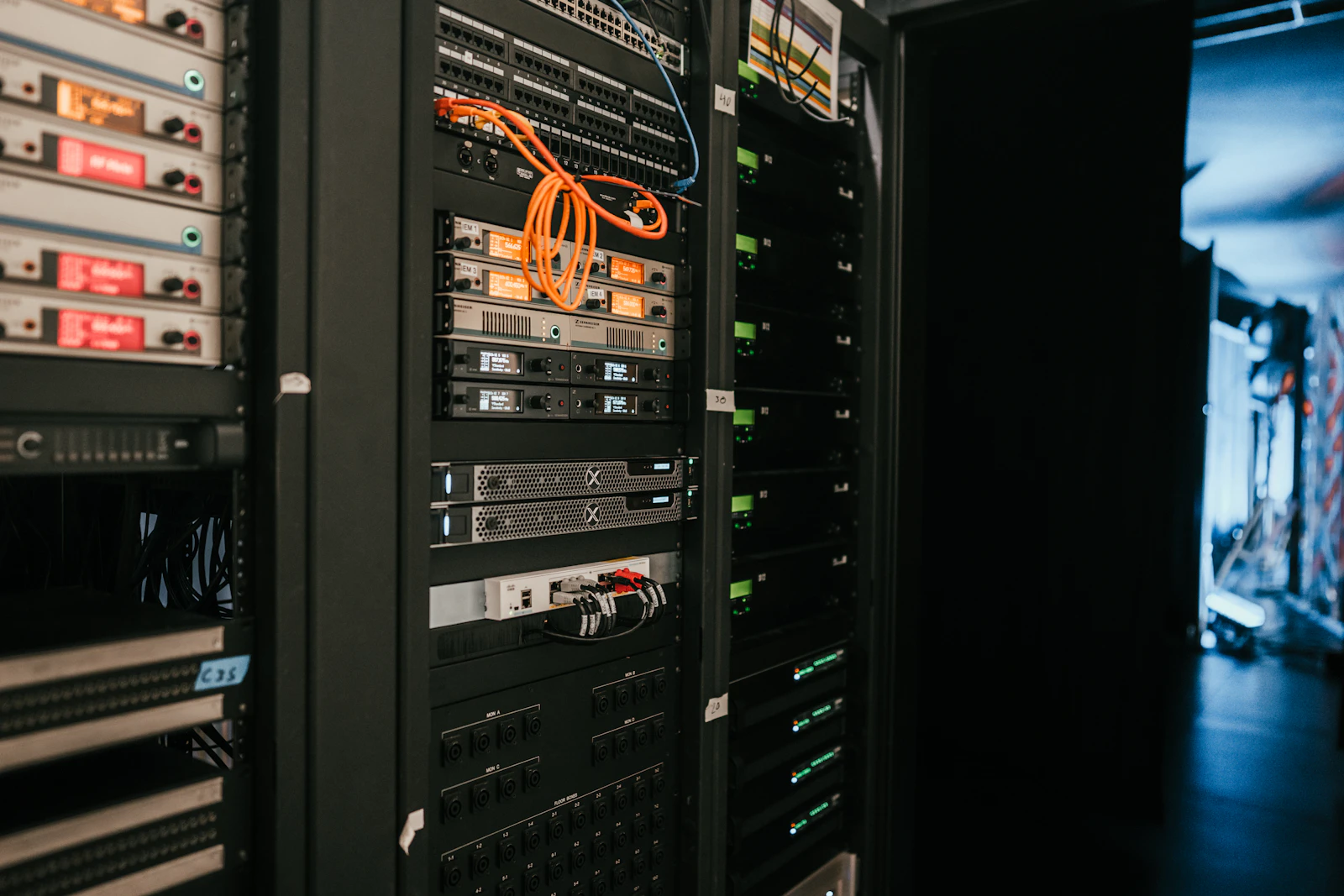
Your app is only as reliable as the weakest service it depends on. List every outside service in the buying path: payments, maps, search, login, push notifications, analytics. For each one, decide what happens if it slows down or goes offline. Can you switch to a second payment provider? Can the app show cached prices if search is slow? A short "what if" document saves hours of panic.
6. Write a push notification plan that people will not mute
Fewer, better pushes beat a flood. Send based on what each user actually did: an item in the cart, a price drop on a saved product, a back-in-stock alert. Respect time zones and quiet hours. Use a single, clear deadline instead of five "last chance" messages. A user who turns off notifications in November is lost for the whole year. Good timing is part of how UI/UX drives retention.
7. Make your app easy to find for AI shopping assistants
With AI-driven retail traffic growing fast, clear product data is now part of holiday readiness. Make sure your product pages have structured data, honest descriptions and current prices, so assistants like ChatGPT, Gemini and Siri can recommend you correctly. We explain this shift in How People Will Find Your App in 2027 and the Agent-Ready Scorecard.
8. Scale customer support with AI, but keep a human path
Order status, returns and delivery questions will spike right after Black Friday. An AI support agent can answer the routine ones instantly, if it is connected to real order data and hands off to a person when it is unsure. See how we build these in AI Customer Support That Closes Tickets.
9. Turn on real-time monitoring and set alerts
You want to know about a problem before your customers post about it. Track crash-free sessions, API error rates, checkout success rate and payment declines in one dashboard. Set alerts that wake up the right person, and agree on who is on call for each day of Cyber Week. Our product analytics and post-launch support (SLA) services are built for exactly this.
10. Double-check security on every new promo flow
Big sales attract fraud, bots and fake coupon abuse. Rate-limit login and coupon endpoints, watch for unusual order patterns and make sure every new landing page or promo screen goes through the same security review as the rest of the app. One breach can cost far more than one holiday season. Read why one breach can end a startup.
Three weeks left and not sure where your app will break? We can run a focused peak-readiness review: load test, checkout audit and monitoring setup, before Black Friday. Book a holiday readiness review →
Three apps, three holiday priorities
These are composite examples, not real clients, but we see the same patterns every season.
The eCommerce app: checkout is everything
Priority: payment speed and stock accuracy. Selling an item you do not have is worse than not selling it. Real-time inventory sync and a two-step checkout matter more than any new banner. More in AI Shopping Assistants: How to Build an App That Sells While You Sleep.
The food delivery or on-demand app: the real world is the bottleneck
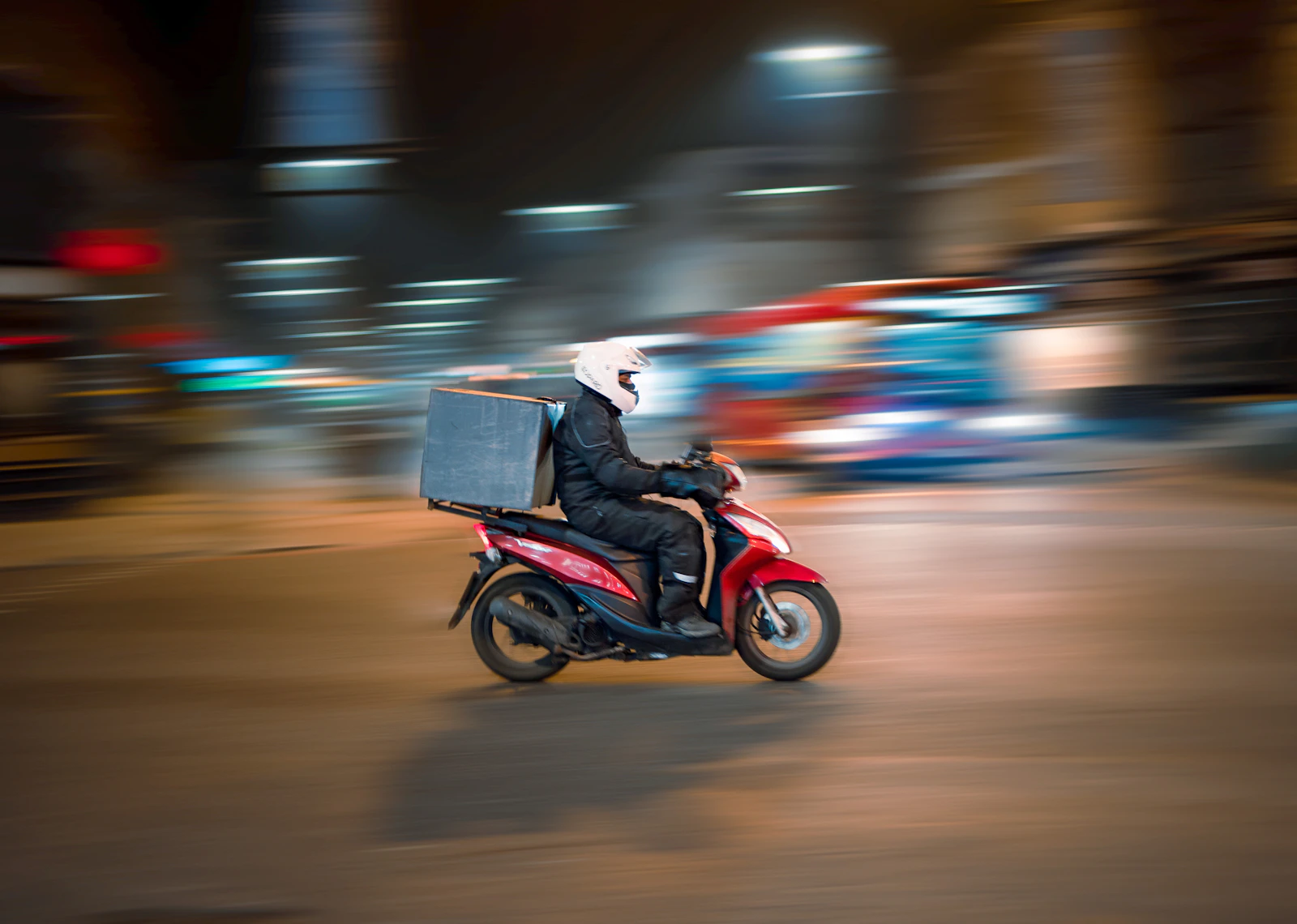
Priority: honest delivery times. When orders double, couriers and kitchens become the limit, not the servers. Show realistic ETAs, cap orders per location if needed and tell users the truth. See building the best food delivery app and On-Demand App Development Made Easy.
The subscription app: the discount is the easy part
Priority: keeping the users you win in November. Holiday deals bring many annual sign-ups, and many cancellations in January. Plan onboarding for new subscribers and test your payment paths, especially after the 2026 App Store changes explained in Where Should Your App Take Payments Now?
Holiday peak checklist: a short version to share with your team
Load test the full buying path at 3 to 5 times normal peak
Freeze features from mid-November, keep a hotfix path ready
Apple Pay, Google Pay and guest checkout at the top of the screen
Auto-scaling, CDN and caching on; quotas raised with every provider
A fallback plan for each third-party service
A push notification calendar with limits and quiet hours
Clean product data for AI assistants and search
AI support for routine questions, human escalation for the rest
One monitoring dashboard and a clear on-call schedule
Security review of every promo flow
Teams that skip these steps often learn the hard way during their first big peak. We wrote about the quiet reasons apps stall in The App Graveyard.
How Olearis helps apps get ready for peak season
Olearis has spent more than 13 years building and supporting iOS, Android, Flutter and web products, from social apps with millions of users to marketplaces and payment-heavy products. Before a big peak, we help teams find the bottlenecks, harden checkout, set up quality assurance and monitoring, and stay on call when traffic arrives. You can see some of our work in our case studies.
Want a second pair of eyes before November 27? Tell us what your app does and where it usually slows down. In one 30-minute call, we will tell you the three things worth fixing first. Tell us about your project →
FAQ: Getting your app ready for Black Friday
When is Black Friday 2026?
Black Friday 2026 is on Friday, November 27, the day after Thanksgiving (November 26). Cyber Monday is on November 30.
How much of holiday shopping happens on mobile?
Adobe forecasts that 57.4% of U.S. online holiday spending in 2026 will come through mobile devices, rising to 63% on Thanksgiving Day.
How early should I start preparing my app for Black Friday?
Ideally six to eight weeks before. If you are starting in early November, focus on load testing, checkout and monitoring, and avoid launching big new features.
What is load testing and why does it matter?
Load testing simulates thousands of users using your app at the same time. It shows where your app slows down or fails before real customers find out, so you can fix it in time.
Should I launch new features before the holidays?
Usually no. A feature freeze from mid-November lowers the risk of new bugs on your biggest days. Ship small fixes through a tested hotfix process instead.