blog / Android AI for App Makers in 2026: What Gemini Nano, AppFunctions and Android 17 Unlock


A plain-language guide for founders and product teams building on Android. Updated November 2026.
In September we wrote about how Apple opened its on-device AI to regular app makers with iOS 27. Android has been moving in the same direction, and in 2026 the picture became much clearer.
Two things changed for Android apps this year. First, Google's on-device model, Gemini Nano, became available to developers through simple ready-made APIs, so an app can summarize, rewrite or describe images without sending data to a server. Second, Google introduced AppFunctions, a way for apps to tell AI assistants like Gemini what they can do, so the assistant can do it for the user.
Together they answer two questions every product team is now asking: how do we add AI without big cloud bills? and how do we stay visible when users ask an AI instead of opening our app?
What is Gemini Nano and how can Android apps use it?
Gemini Nano is Google's small AI model that runs directly on the phone, so your app can use AI with no server, no network and no per-request cloud cost. It runs inside AICore, an Android system service. According to Google's Android developer documentation, AICore manages the model's downloads and updates, speeds it up with the phone's own hardware, applies safety filters and does not store your users' inputs or outputs after processing.
That last part matters: your app does not have to ship or update a large model itself, so it does not grow in size or eat memory budget.
What can you build with the ML Kit GenAI APIs?
Google's ML Kit GenAI APIs give ready-made building blocks on top of Gemini Nano. The current list in the documentation includes:
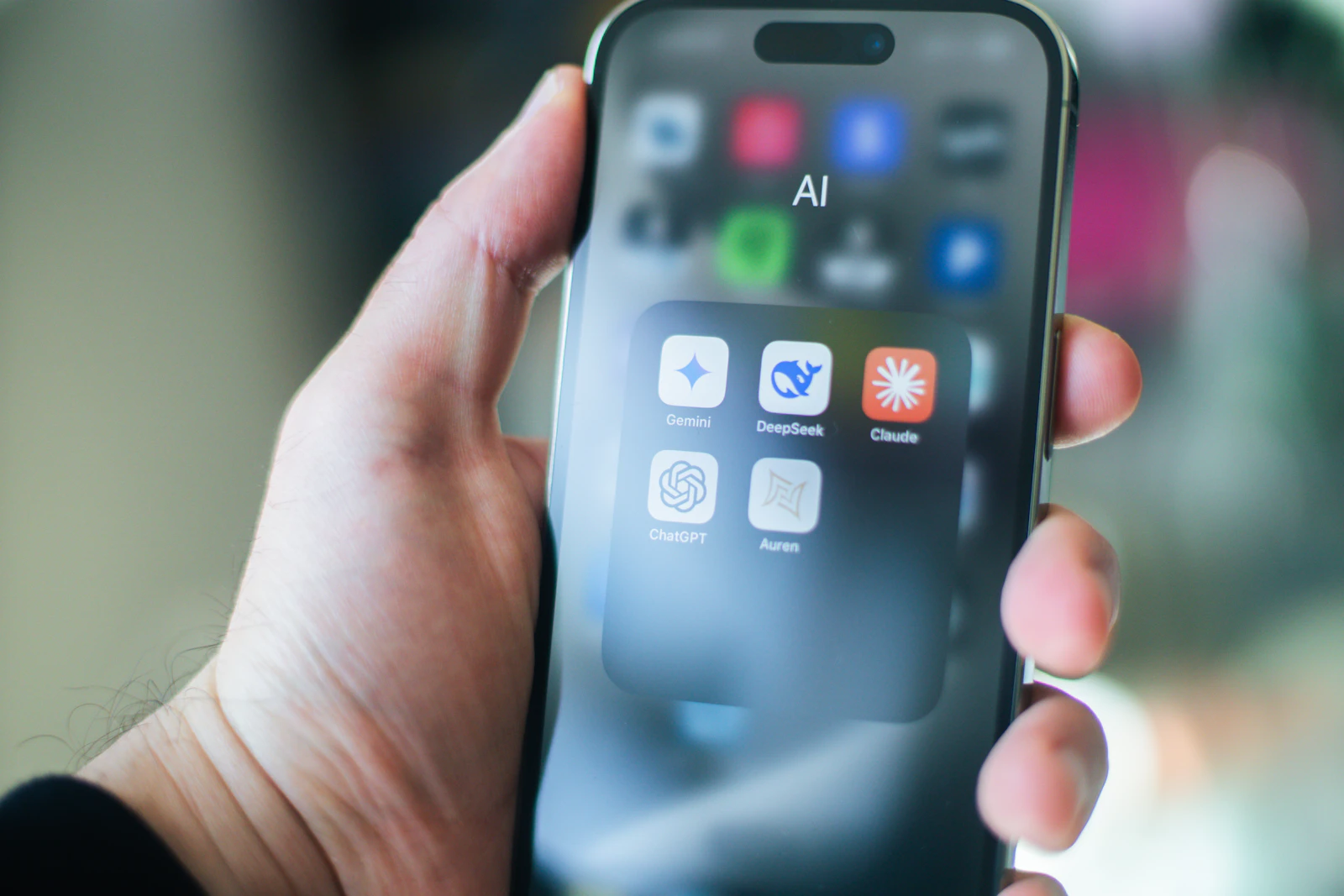
Summarization of articles or conversations into bullet points
Proofreading and rewriting of short messages in different tones
Image description
Speech recognition, speech translation and text to speech
Semantic search with on-device embeddings for text and images
Direct prompts for custom tasks, including structured output and simple multi-step agent flows
In practice, that unlocks features like these, all without a server round trip:
A notes or productivity app that summarizes a long meeting note on the spot. See AI for Productivity.
A social or dating app that suggests a friendlier rewrite of a message before it is sent. See AI Dating App Development.
A health or mental health journal that tags entries privately, with nothing leaving the phone. See how Olearis shapes mental health apps.
A travel app that translates speech offline, where roaming data is expensive. See the future of travel apps.
An accessibility feature that describes photos for people with low vision. See AI for Everyone.
When should an Android app use on-device AI and when the cloud?
Use on-device AI for short, private, frequent tasks; use cloud AI for heavy reasoning, long documents and anything that must work on every phone.
Google is open about the limits: on-device models have token limits, depend on the phone's hardware and may not be available on every device. For that reason, Google suggests a hybrid setup through Firebase AI Logic, where the app falls back to a cloud model when Gemini Nano is not available.
A simple rule we use with clients:
On the phone: rewriting, short summaries, tagging, smart replies, offline translation, anything with sensitive data.
In the cloud: answering questions about your company's documents, long reports, complex multi-step tasks, and features that must behave the same on older devices.
Both: try on-device first, fall back to the cloud, and track which path each request took.
We go deeper in On-Device AI in 2026: Why Apps Are Moving the Brain Onto the Phone and, for company data, how RAG turns a generic chatbot into an expert on your business. If you are weighing costs, see What Does It Actually Cost to Build an AI App in 2026?
What are Android AppFunctions?
AppFunctions let your app describe specific actions, like "create a playlist" or "reorder my last groceries", so AI assistants such as Gemini can find and run them for the user.

Google introduced the idea in its February 2026 post The Intelligent OS. It compares AppFunctions to the Model Context Protocol (MCP) that AI agents use to reach online tools, except that the functions run on the device. One early example: on Samsung's Galaxy S26, a user can ask Gemini to show photos of their cat from Samsung Gallery, and the photos appear right in the Gemini app.
Google is also building a second path, UI automation, where Gemini can complete multi-step tasks in apps that have no AppFunctions, by working through the app's existing screens. It started as an early preview on Galaxy S26 and select Pixel 10 phones, for a curated set of food delivery, grocery and rideshare apps.
An honest note on timing: as of this writing, AppFunctions is an experimental preview that needs Android 16 or later, and its Gemini integration is limited to a small group of testers. Google has said Android 17 will widen these capabilities. So this is not something every app must ship this month, but it is something to design for now.
Why AppFunctions matter for your product
Because a growing share of users will ask an AI to do a task instead of opening an app to do it. Google's own framing is that success is shifting from getting people to open your app to getting their task done. If an assistant cannot see what your app can do, it will pick an app that it can see.
This is the Android side of a shift we have covered from several angles: Your Next User Is an AI Agent, how people will find apps in 2027 and how AI agents are replacing basic chatbots.
Wondering which AI features make sense for your Android app? Send us a short description of your product. We will tell you which tasks fit Gemini Nano, which need the cloud and which actions are worth preparing for AI assistants. Get an Android AI review →
What changed in Android 17 for developers?
Android 17 went stable on Pixel phones in June 2026, according to Android Authority, with a smaller feature update (QPR2) expected around December. Other manufacturers roll it out on their own schedules, which is why it is important to check feature availability at runtime and not assume every user has the newest version.
Alongside Android 17, Google's 2026 developer announcements focused on AI-assisted development in Android Studio, adaptive layouts for foldables and large screens, and the agent features described above. If your app runs on tablets and foldables, our guide to building for foldable phones applies to Android too.
Three Android apps, three AI decisions
These are composite examples, not real clients.
The wellness journal app
Choice: on-device first. Mood tagging and weekly summaries run on Gemini Nano where available, so private entries never leave the phone; older phones get a simpler, non-AI view instead of a cloud fallback. Privacy becomes a selling point.
The food delivery app
Choice: prepare for agents. The highest-value actions, "reorder my usual" and "track my order", are designed as clear AppFunctions-ready actions, while the team watches Google's preview program. See the secret sauce to building the best food delivery app.
The B2B field service app
Choice: hybrid. Technicians dictate notes offline with on-device speech recognition; the full report and search across company manuals run in the cloud when the connection returns. See AI Automation for Business.
Android AI readiness checklist
List your top five user tasks and mark which are short, private and frequent
Prototype those tasks with the ML Kit GenAI APIs on a supported device
Add a cloud fallback and track which path each request uses
Define your app's key actions clearly enough to expose to AI assistants
Follow the AppFunctions preview and plan for a release in 2027
Check Android version and feature availability at runtime
Measure AI features by user outcomes, not by "we added AI"
Most AI projects fail for the same few reasons, none of them technical. We listed them in Why So Many AI Projects Fail in 2026.
How Olearis builds AI into Android apps
Olearis designs and builds native Android and cross-platform Flutter apps with AI where it actually helps users, from mental health and wellness products to productivity and social apps. We pick the right mix of on-device and cloud AI, keep performance fast on older phones, and prepare apps for the agent era. See what we have shipped in our case studies, and how we approach speed in How We Optimize App Performance.
Planning AI features for 2027? In one 30-minute call, we will map which features belong on the phone, which belong in the cloud and what it would take to build them. Tell us about your project →
FAQ: On-device AI and AI agents on Android
What is Gemini Nano?
Gemini Nano is Google's on-device AI model. It runs on supported Android phones through the AICore system service, so apps can use AI features without sending data to a server.
Is on-device AI on Android free to use?
There is no per-request cloud bill, because the model runs on the user's phone. You still pay for design, development and testing, and the ML Kit GenAI terms of service apply.
Does Gemini Nano work on every Android phone?
No. Availability depends on the device and its hardware. Google recommends a hybrid setup that falls back to a cloud model when Gemini Nano is not available.
What are Android AppFunctions?
AppFunctions is an Android feature that lets apps expose specific actions that AI assistants like Gemini can discover and run. It is currently an experimental preview and requires Android 16 or later.
Do I need to rebuild my app to support AI agents?
Usually not. Start by defining your key user actions clearly and keeping your backend APIs clean. That work makes it easier to add AppFunctions and similar features on iOS later.