blog / Google Play Fees in 2026: Billing Choice, External Links and What Your Android App Should Do Now


A practical guide for subscription, marketplace, game and content apps on Android. Updated November 2026.
In October we explained how Apple's new EU rules changed iPhone payments and promised a separate look at Android. Here it is.
Google has rebuilt how Google Play charges developers. Since June 30, 2026, in the US, UK and European Economic Area, Google Play's fee is split into two parts: a service fee you pay no matter how users pay, and a separate billing fee you pay only if you use Google Play's own checkout. On top of that, developers can now offer their own billing system or send users to a web checkout.
For most Android apps, this is the biggest pricing change in years. Below, we explain the new rates and walk through three typical apps to show which setup makes sense.
What are the new Google Play fees in 2026?
The headline rate is a 10% service fee on your first $1 million in annual earnings and on auto-renewing subscriptions, plus a 5% billing fee only if you use Google Play Billing.

According to Google's Help Center, the service fee depends on the type of purchase and on when the user first installed your app:
First $1M in annual earnings: 10% service fee for all transaction types.
Subscriptions (recurring purchases): 10% service fee.
One-time purchases, new installs: 20% standard, 15% for apps in Google's Apps Experience or Games Level Up programs.
One-time in-app purchases, existing installs: 25% standard, 20% in the programs.
Billing fee: an extra 5% in the US, UK, EEA, Australia and Japan, charged only on transactions that use Google Play Billing.
"New install" means a user who first installed or updated your app from Google Play on or after the date the new structure launched in their region. "Existing install" means before that date. Always check the current numbers in Google's documentation before you decide, since programs and markets are still expanding.
What is the difference between the Google Play service fee and the billing fee?
The service fee pays for distribution on Google Play; the billing fee pays for Google processing the payment. Before 2026, both were bundled into one commission. Now they are separate, which is what makes alternative billing interesting: if you process payments yourself, you still pay the service fee, but you skip the 5% billing fee.
That is the key point many teams miss. Leaving Google Play Billing does not mean leaving Google's fee. It means trading a 5% billing fee for your own payment provider's costs, plus the engineering and support work of running your own checkout.
Which markets and dates does the new Google Play billing model cover?
The rollout is staggered by country. Google's published schedule:
June 30, 2026: new fees and expanded billing choice in the US, UK and EEA.
September 30, 2026: Australia and Japan join; the Apps Experience and Games Level Up program rates go live in the US, UK, EEA, Australia and Japan.
December 31, 2026: South Korea.
September 30, 2027: the rest of the world.
If you sell globally, this means you will run under two fee models for up to a year. Your pricing, analytics and revenue reporting need to handle both.
Alternative billing vs external links vs Google Play Billing: what is the difference?
You now have three ways to take a digital payment on Android, and you can combine them. Under Google's billing choice program:
Google Play Billing: the familiar checkout. Service fee plus 5% billing fee. Google handles taxes, compliance and more than 300 local payment methods.
Alternative billing: your own payment provider inside the app, shown alongside Google Play Billing. Service fee only. You can design your own choice screen if it follows Google's UX guidelines.
External web links: the user taps a link and pays on your website. Service fee only. Rules for some programs are still being finalized.
Physical goods and real-world services, like deliveries, rides or hotel stays, were never part of Google Play Billing and can keep using their own payment providers.
Three Android apps, three payment decisions
These are composite examples, not real clients, but they reflect patterns we see every week.
App 1: The subscription app (fitness, education, productivity)
A meditation app earns almost all its revenue from monthly and yearly plans.
The likely choice: stay with Google Play Billing for now. Subscriptions already pay a 10% service fee, so the remaining gain from alternative billing is the 5% billing fee. For many small teams, that 5% is less than the cost of building, maintaining and supporting a second payment system, plus the conversion lost at a less familiar checkout.
What to build: clean subscription status handling and analytics per payment path, so you can switch later with data, not guesses. We cover the product side in How to Build a Fitness App That Keeps Users Hooked and How to Develop an Educational App.
App 2: The game or app with large one-time purchases
A mobile game sells coin packs and has millions of existing players.
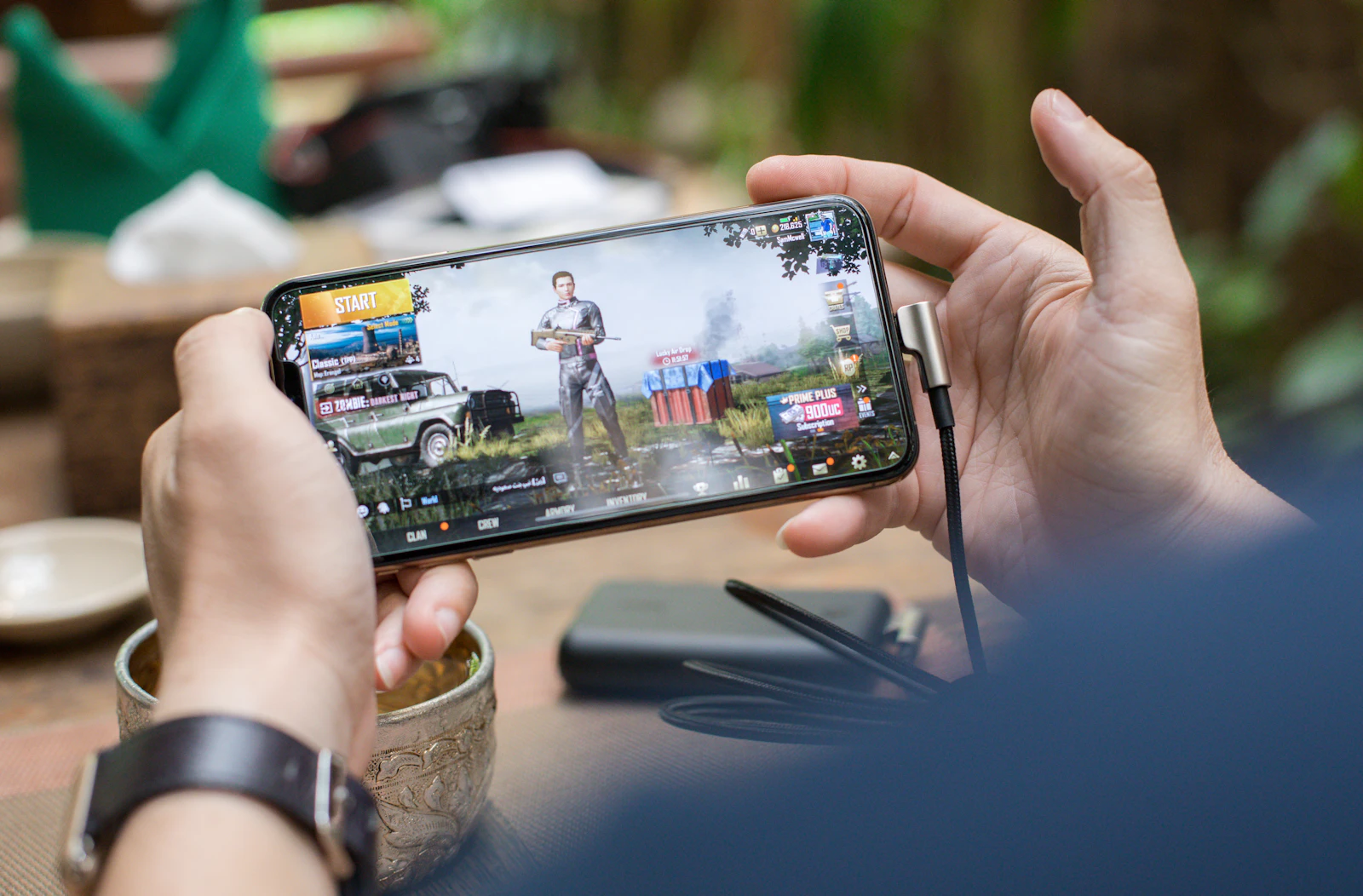
The likely choice: this is where the math changes the most. One-time purchases from existing installs carry the highest rate, so joining Games Level Up (if you qualify) and testing alternative billing for big packs can save real money. The risk is conversion: test with a share of users first.
What to build: a modular payment layer that can show Google Play Billing and your own provider side by side, with a compliant choice screen. See why game app success starts with the right team.
App 3: The marketplace or service app (on-demand, travel, eCommerce)
A booking app sells real-world services and a premium membership.
The likely choice: the main bookings do not change, since they are physical services. The premium membership is digital, so it falls under the new rules, and an external web link for annual memberships may be worth testing.
What to build: a clear split between physical transactions and digital add-ons. More in On-Demand App Development Made Easy and high-converting eCommerce apps.
Not sure which of the three your app is? Send us how you charge users today on Android and iOS, and we will show you which payment paths are worth testing under the 2026 rules. Get a payment setup review →
Is alternative billing on Android worth it? A quick way to decide
Alternative billing pays off when the 5% you save is bigger than what you spend and lose to run it. Before you build, estimate:
Savings: 5% of the revenue you expect to move to your own checkout.
Payment provider fees: often 2% to 3.5% per transaction, plus fees for local payment methods.
Conversion loss: users who drop off at a less familiar checkout.
Hidden costs: taxes, refunds, chargebacks, fraud checks and support you now own.
Engineering: building and maintaining a second payment flow and keeping it in line with Google's rules.
For apps earning less than $1 million a year on Google Play, the gap is usually small. For larger apps with many one-time purchases, it can be significant. If you also sell on iPhone, plan both platforms together: our Apple payments guide covers the iOS side, and payment changes belong in your 2027 app budget.
Android app monetization in 2027: a short checklist
Check which of your users count as new or existing installs in each market
Apply for the Apps Experience or Games Level Up program if you qualify
Calculate your real cost per payment path, not only the headline rate
Build one account and entitlement system shared by Android, iOS and web
Keep the payment layer modular, so rules can change without a rebuild
Track revenue per user per payment path and per country
Review Google Play policy before every major release
Payment flows are also a security surface. A new checkout means new places for fraud and data leaks. Read why one breach can end a startup, and if AI agents will soon buy on your users' behalf, see Agentic Checkout Is Here.
How Olearis helps Android apps get payments right
Olearis builds native Android, iOS and cross-platform Flutter apps with payments at their core, from banking apps and financial apps to subscriptions, games and marketplaces. When store rules change, we help teams decide what to switch, what to keep and how to ship it without breaking checkout. See our case studies for examples.
Thinking about alternative billing or web checkout on Android? In one 30-minute call, we will map your options under Google's 2026 rules and what it would take to support them. Tell us about your project →
FAQ: Google Play fees and billing choice
What is the Google Play service fee in 2026?
In markets where the new model is live, the service fee is 10% on a developer's first $1 million in annual earnings and on auto-renewing subscriptions. Other one-time purchases are 20% for new installs and up to 25% for existing installs, with lower rates in Google's Apps Experience and Games Level Up programs.
What is the Google Play billing fee?
It is an extra charge for using Google Play's own checkout. In the US, UK, EEA, Australia and Japan it is 5%. It does not apply to alternative billing or external web links.
Can Android apps use their own payment system?
Yes, in markets covered by Google's billing choice program, apps can offer an alternative billing system alongside Google Play Billing or link users to a web checkout. The service fee still applies.
Does Google take a fee on physical goods and services?
No. Google Play Billing rules cover digital goods and services. Physical products and real-world services can use their own payment providers.
When will the new Google Play fees apply worldwide?
Google plans to bring the new model to the rest of the world on September 30, 2027, after earlier rollouts in the US, UK, EEA, Australia, Japan and South Korea.