blog / From Camera Scan to Trusted Price - How to Build a Barcode Scanner App

Sometimes store pricing feels like a mini scavenger hunt.
The price tags are stuck in random places, half the labels don’t match what’s written on the product, and you’re standing there like: “Okay… so what is the actual price?” Then you either wander around the aisle trying to find that wall-mounted scanner thing that tells you the price, or you give up and jog to the checkout to ask the cashier.
That tiny moment is exactly why barcode scanner apps and price checker apps work. People don’t open a scanner app because they love scanning. They open it because they want a fast, trusted answer - without guessing, without awkward questions, and without wasting time. If you’re building a barcode scanner app, UPC scanner app, EAN barcode scanner app, or a price comparison app, the real product isn’t the camera scan. The real product is trust - delivered in seconds.
This article blueprint for what actually matters: scanning UX, product matching, pricing accuracy, data strategy, and the “gotchas” that can quietly break these apps in production.
Barcode Scanner App Development: What You’re Really Building
On paper, a barcode scanner app sounds simple: open camera, scan UPC/EAN, show product info and price.
In the real world, you’re building a system that connects 3 messy universes:
camera + mobile performance
product identity (matching the right item and variant)
pricing truth (which changes constantly and depends on context)
Most scanner apps fail because they can’t answer the user’s real question with confidence:
Is this the same product as the shelf tag? Is this price current? Is this the best price near me? Is this listing legit?
If your output feels unreliable even once or twice, people stop trusting the app and they uninstall. That’s why “trusted price” has to be a core product feature, not a marketing line.
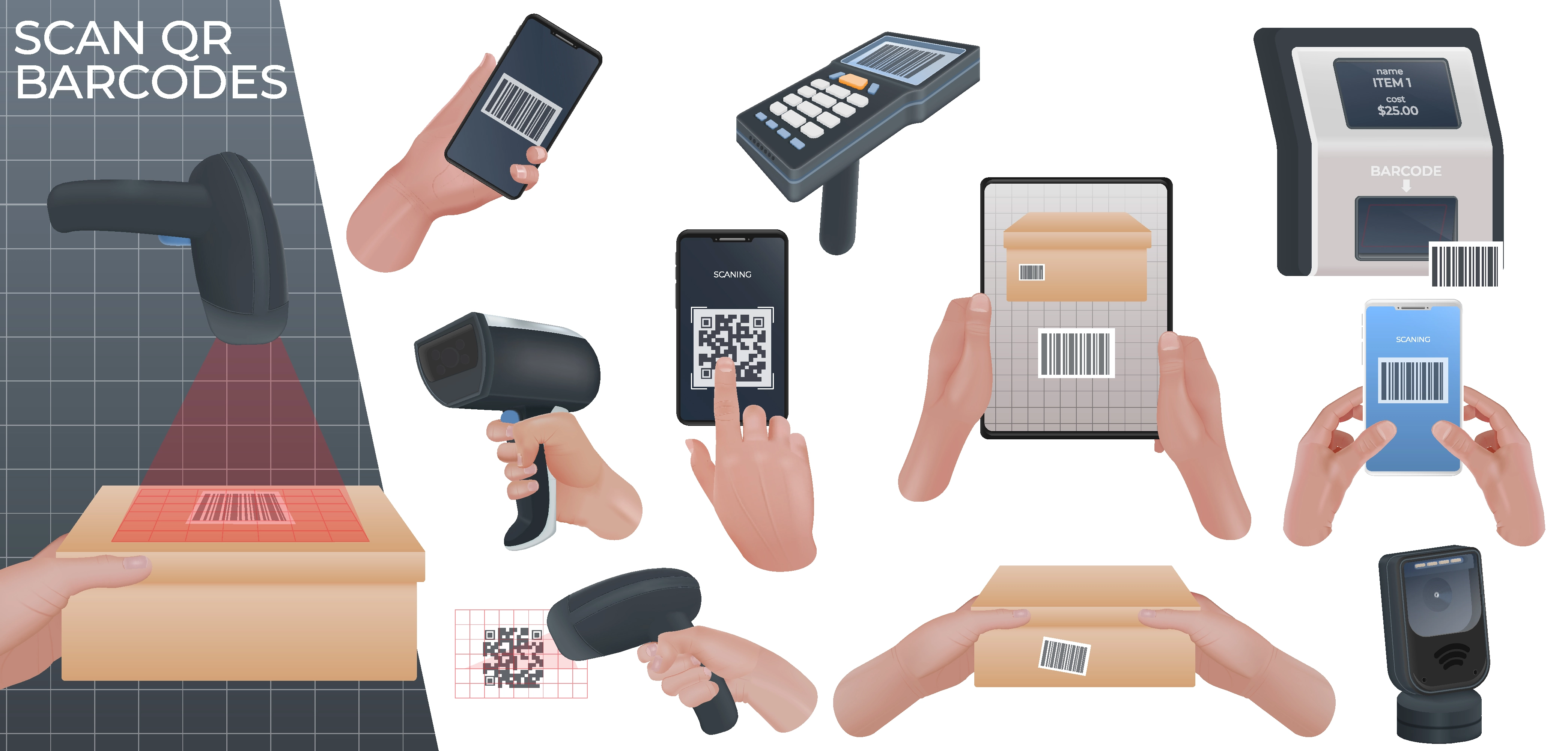
Barcode Scanner App UX: The 3-Second Rule
Scanner apps have almost no patience budget. Your user is standing, moving, holding stuff, and often on bad Wi-Fi. If the camera opens slowly or focus hunts for too long, you’ve already lost the moment.
A “winning” flow feels like this:
Open app → camera is ready → scan → instant feedback → clear answer.
A few UX details that sound small, but matter a lot in stores:
Camera-first home screen. Don’t make users tap through menus to start scanning. The scan is the primary action.
Fast feedback. Haptic and a subtle sound (with a mute toggle) makes the app feel confident.
Low-light behavior. Stores have brutal lighting. Your app should handle it gracefully and suggest turning on the flash when needed.
A safety net for failure. Barcodes get scratched, curved, wrinkled, or half-covered. Manual barcode entry isn’t “nice to have.” It saves sessions.
And one more thing founders often underestimate: the UI can’t feel like a spreadsheet. The result screen should answer the question in plain language, not dump raw data.
UPC/EAN Product Matching: “Right Barcode” Doesn’t Always Mean “Right Product”
This is where things get spicy.
People assume barcode → product. In reality, barcode → a key that might point to multiple versions of something, depending on region, packaging, or retailer quirks.
Here are a few real problems you will run into:
Variant chaos. Same product name, different pack sizes. Same brand, new packaging. Same barcode mapped to the wrong variant in a third-party database. If your UI doesn’t surface variant details, users will think your app is wrong.
Store-specific labeling. Shelf tags can describe something differently than the product itself. Your app needs to show enough identifying details (brand, size, image, sometimes ingredients) so users can confirm.
Weighted and deli items. Some barcodes represent variable-weight pricing. If your app treats that barcode like a normal UPC, you’ll return nonsense and lose trust immediately.
Private label and “no-name” items. These are often missing from public catalogs. You need a fallback path that doesn’t dead-end the user.
A practical way to handle this is to treat matching as a confidence problem:
If you have a high-confidence match, show the product page.
If it’s medium confidence, show top 2-3 candidates with images/size and let users confirm.
If it’s low confidence, say so and offer a quick “help us identify” flow.
Honesty beats fake precision every time.
Price Scanner App Logic: Why “Best Price” Is a Trap
Pricing is messy. If your app shows the wrong “best price,” people won’t forgive it.
To build “trusted price,” you have to store context with every price point:
price + currency
online vs in-store
location granularity (city/store)
source (retailer feed, affiliate, user submitted, internal)
timestamp (last updated)
confidence level
Then you present it like a human product:
Updated today. Online price. In-store reported. Needs verification.
This is one of the biggest hidden differences between a hobby scanner app and a product that businesses will pay for. Businesses don’t need “a price.” They need pricing they can defend.
Also worth calling out: taxes and membership pricing will mess you up. A shopper might see a member-only price or a tax-inclusive price that doesn’t match what your app shows. You need to label clearly what kind of price you’re displaying and why it may differ.
Price Comparison App Features That Drive Repeat Use
Here’s what keeps people coming back (without turning your app into a spam machine).
Save for later. Scanning often happens when people are busy. Give them a one-tap way to save an item and revisit it without forcing a whole “account setup” flow.
Price history. Even a basic history (last 10 updates, min/max in 30 days) changes how users feel. It turns the app from “lookup” into “decision help.”
Watchlist + deal alerts (carefully). Notifications are powerful, but they can also destroy retention. Alerts should be opt-in and tied to a watchlist, not a spray-and-pray daily feed.
If you’re building for store owners or brands, the “repeat use” features often look different:
audit mode (scan and log), export/reporting, compliance checks (pricing and promos), and multi-user workflows.
That’s where scanner apps become retail tools instead of consumer toys.
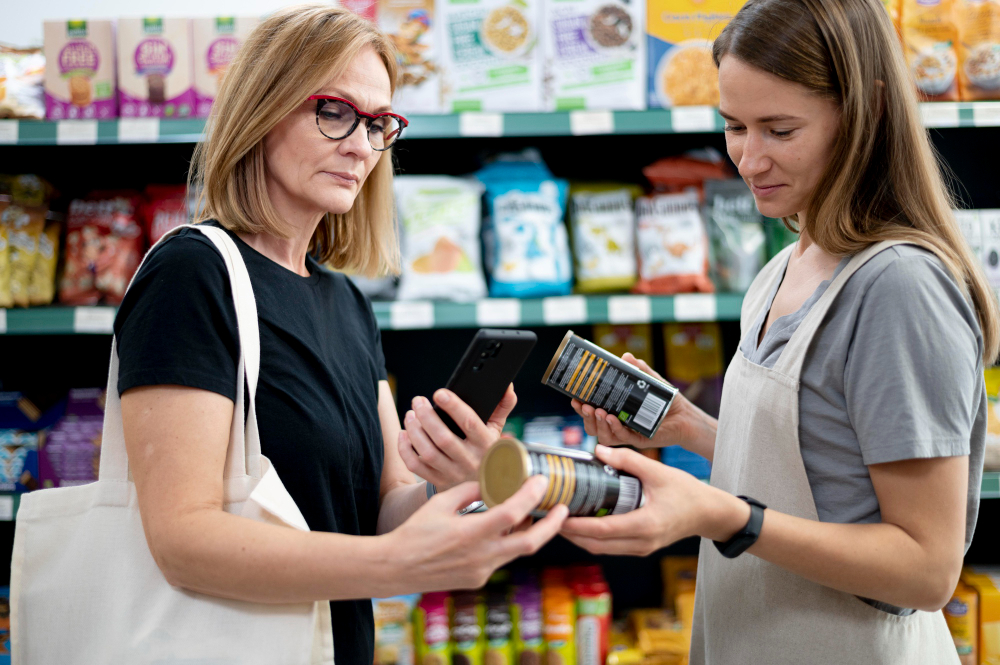
Product Data Strategy: The Real Moat in Barcode Scanner Apps
A barcode scanner app is a data pipeline wearing a camera.
You usually combine: a baseline product catalog source (partnered/licensed where needed), retailer feeds (when available), your internal normalized catalog layer (this is crucial), and optional community edits later.
And your catalog will get messy fast: duplicates, missing images, inconsistent naming, wrong mappings, dead SKUs that got re-used.
So you need catalog hygiene from early on: merge duplicates, edit suggestions, admin moderation, and a way to roll back bad data.
This is “not flashy,” but it’s where experienced teams stand out. If you skip it, your data quality drifts and your app gets worse month by month.
Crowdsourced Pricing: If You Open the Door, Plan for Chaos
Crowdsourcing can be a superpower, but it needs guardrails.
If you let users submit prices, assume you’ll see: promo prices entered as normal prices, wrong store/location, wrong variant, trolling submissions, and bots.
You don’t need a massive trust-and-safety team, but you do need lightweight controls:
rate limiting per device/account
anomaly detection (big price jumps, spam frequency)
optional photo proof for price tags
a moderation queue in the admin panel
reputation scoring (quietly, behind the scenes)
Without this, your “community-powered database” becomes a trust problem.
Barcode Database Integration: Hidden Pitfalls Founders Don’t Expect
A few real-world moments teams hit and don’t see coming:
“No match found” is common. Your app needs a graceful flow when the database doesn’t know the barcode. Don’t dead-end the user. Offer manual add, photo upload, or “save for later review.”
Multiple matches happen. Don’t panic. Design for it. Show top candidates and learn from user confirmations.
Image quality matters. Even if the product is correct, a wrong or outdated image makes users doubt everything.
Rate limits and scraping defenses. If you rely on external sources for price comparison, you need to design around changes, throttling, and blocking. This can become a stability risk if not planned.
Affiliate links can backfire. They can monetize nicely, but if the app starts feeling like “ads around a scan,” trust drops. The UX has to keep the user’s intent first.
Barcode Scanner App Tech Stack: What Matters in Production
You can build this with native iOS/Android or with Flutter/React Native. The choice matters less than your execution.
The real performance targets are: camera startup time, scan speed and stability in bad lighting, smooth UI rendering, and offline caching for recent scans and saved lists.
On the backend, you typically end up with: product lookup + matching service, pricing service (history, sources, confidence), user service (lists, watchlist, preferences), and admin tools (merges, moderation, cleanup).
One quick truth: if you don’t build admin tools early, you will pay for it later with expensive manual cleanup and angry users.

MVP Scope: What to Build First (Without Getting Stuck)
A strong MVP that’s actually shippable looks like this:
Fast UPC/EAN scanning with a manual fallback, a clean product page that helps confirm variants, price comparison with timestamps and source labels, save-to-list, and a basic admin panel to merge duplicates and moderate edits.
Then you expand into watchlists, alerts, richer catalog sources, and B2B reporting.
This approach keeps your first release focused on speed and trust - the two things scanner apps can’t survive without.
Why Build With Olearis
A barcode + price scanner app looks simple from the outside. In reality it’s a mix of camera performance, messy product catalogs, pricing logic, moderation, and real store chaos that only shows up after launch. That’s where teams usually burn time and budget.
With Olearis, you’re not getting a team that only knows how to “scan a barcode.” You’re getting people who think like product owners and engineers at the same time - we design for the edge cases up front, so you don’t discover them from angry reviews later.
What you get with us:
Mobile-first execution - fast camera startup, smooth scanning UX, offline behavior, and clean UI that feels instant.
Data and catalog strategy - we plan for variants, duplicates, missing barcodes, and the admin tools you’ll need to keep quality high.
Trusted pricing logic - timestamps, sources, confidence levels, and clear labeling so your app doesn’t look wrong even when the world is messy.
Guardrails for crowdsourced data - rate limiting, anomaly checks, moderation flows, and a simple admin panel so crowdsourcing doesn’t turn into spam.
A founder-friendly build process - clear scope, realistic MVP, and a roadmap that keeps you shipping instead of endlessly polishing.
If you want, share 2 things and we’ll tell you what version of this product makes the most sense:
Is it B2C (shoppers + deal alerts) or B2B (retail audits / brands / field reps)?
Do you already have a product catalog source, or do we need to design that part from zero?